AlphaCode Solutions
We provide tailored AI solutions that drive innovation in your business.
GPU Manager
Bring scattered GPUs into one Fleet. GPU Manager unifies GPUs and NPUs spread across public and private clouds and on-premises environments, managing everything from health checks to fault diagnosis, isolation, and recovery in one place.
Your infrastructure keeps growing, but control keeps slipping away
The more GPUs you run, the more places you have to manage. Problems that traditional monitoring can't see keep piling up in operations.
Scattered resource data
Each cloud and on-premises site is managed differently, making it hard to see the full GPU picture at a glance.
Invisible failures
The Kubernetes node reports Ready while the GPU is already unhealthy. These "silent failures" bring workloads to a halt.
Fragmented incident response
Checking logs, isolating, and recovering means jumping between multiple tools and systems.
Broken operations history
Alerts and remediation records are scattered across systems, so recurring failures are hard to notice.
Ready doesn't always mean healthy
GPU Manager assesses the health of every individual GPU, independent of Kubernetes status. Even when a node is Ready, a GPU problem surfaces immediately.
Kubernetes Status
GPU Tech Status
Operation Status
Based on XID and DCGM errors and how often they recur, every GPU is shown with a four-level risk grade.
Beyond monitoring — manage the entire GPU operation
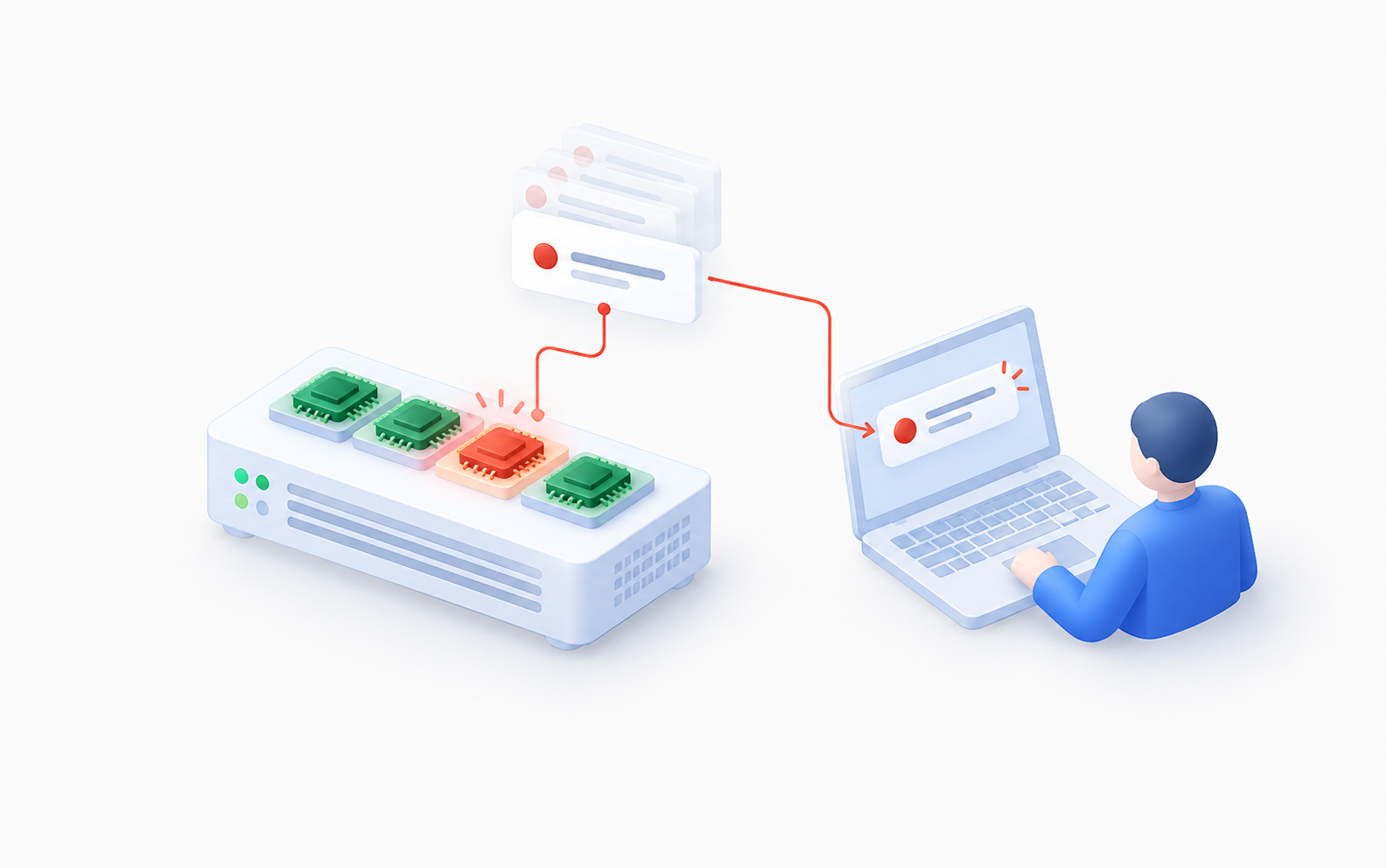
Unified Visibility
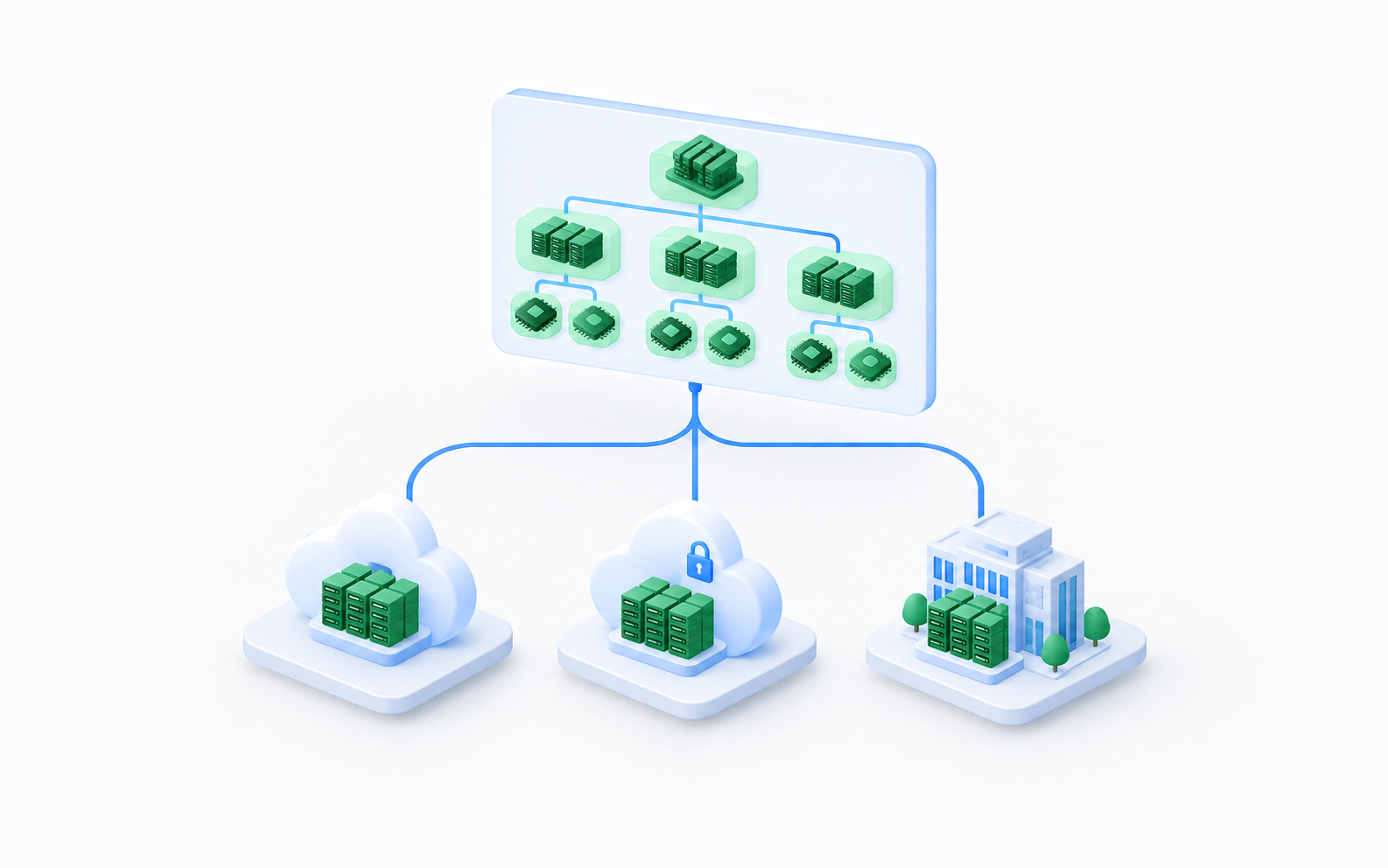
Unified visibility
Every GPU and NPU on one screen
GPUs and NPUs across public and private clouds and on-premises environments are shown in a single hierarchy, down to clusters, nodes, and individual GPUs.
Fault Diagnosis
Fault diagnosis and alerts
Find faulty GPUs right away
Faults are identified using XID and DCGM criteria, and the responsible team is notified immediately. Regular diagnostics surface at-risk GPUs, and GPUs with recurring faults are tracked.
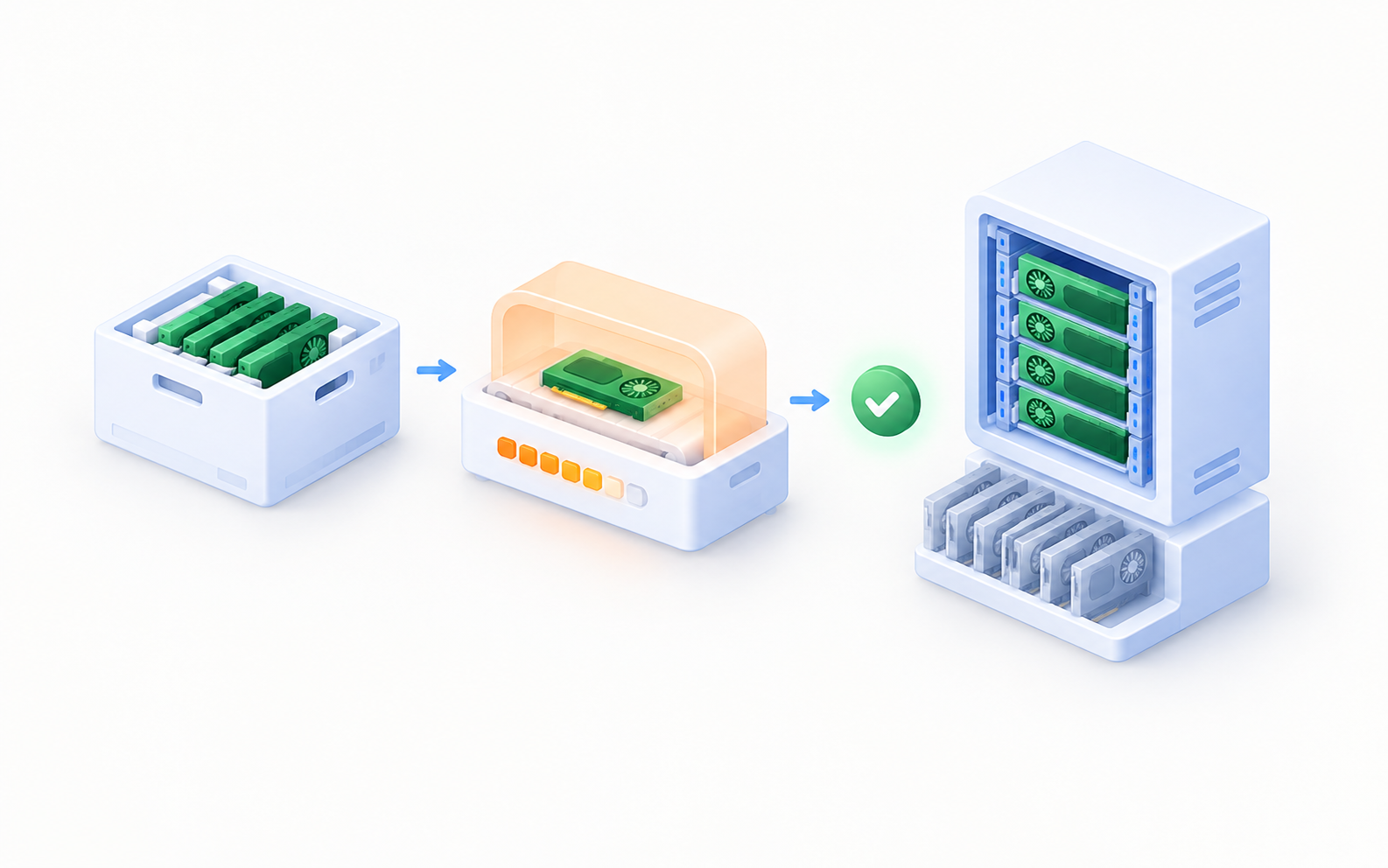
Onboarding
GPU onboarding management
Only validated GPUs go live
Newly added GPUs go through onboarding checks such as burn-in testing before entering production. Owned and idle GPUs are managed alongside them.
From detection to recovery, without gaps
01 · Detect
Detect
Identifies GPU faults using XID and DCGM criteria, even when Kubernetes reports Ready.
02 · Alert
Alert
Records the fault details and notifies the responsible team right away.
03 · Isolate
Isolate
Prevents new workloads from being scheduled on the affected resource and moves running jobs to other resources.
04 · Repair
Repair
Operators carry out the remediation that fits the fault type.
05 · Recover
Recover
GPUs that pass validation are put back into production.
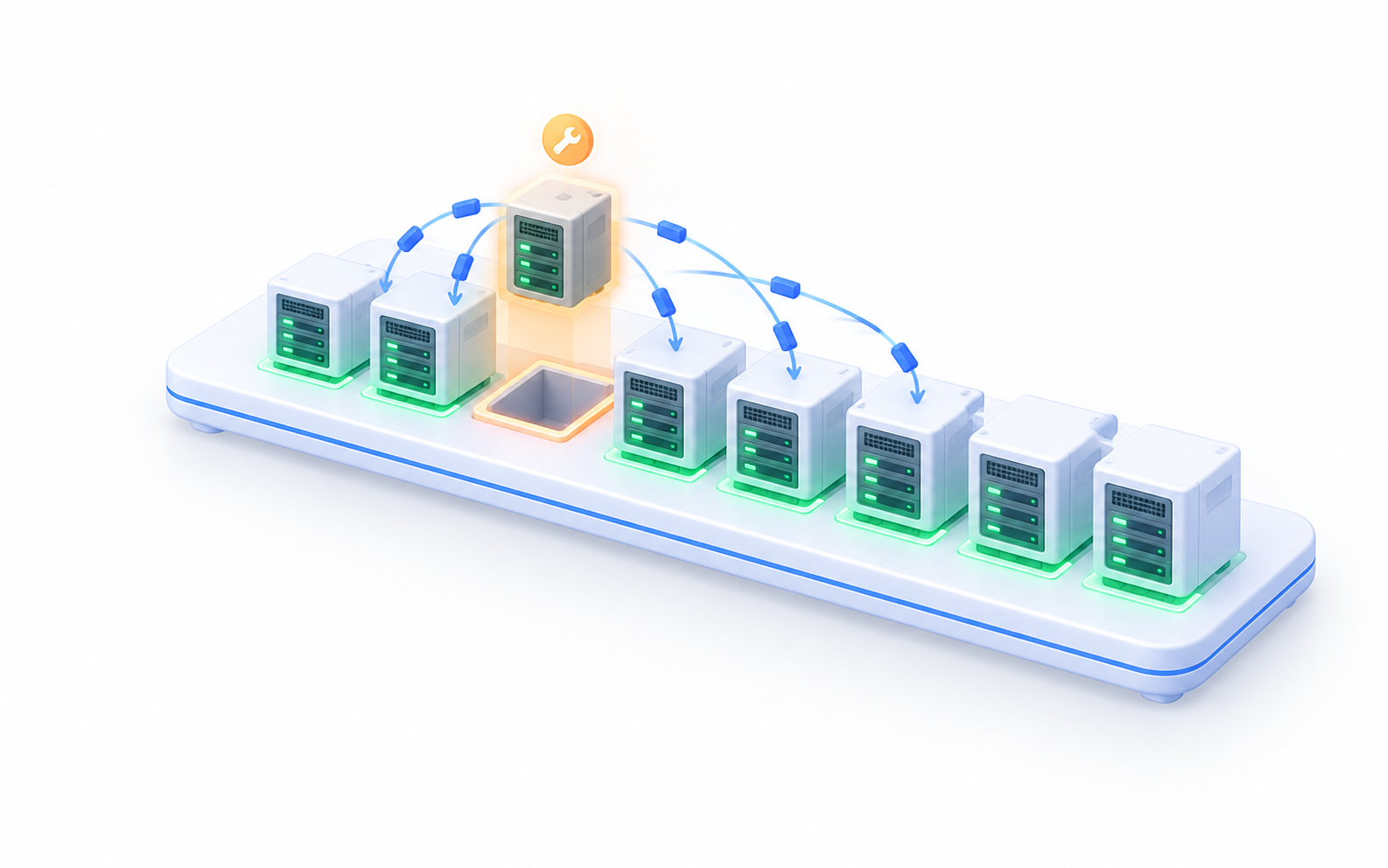
Only what's broken stops
Only the faulty resource is taken out of operation, so everything else keeps running without interruption. Depending on your environment, isolation can be applied per node or per GPU.
See who is using how much, at a glance
See where your GPUs are being used and where they sit idle, so you can make full use of the resources you have.
Utilization
Utilization by unit
Check GPU utilization by service, project, and cluster.
Inventory
GPU inventory
See the GPUs you own in each environment at a glance.
Idle
Idle GPUs
Find GPUs sitting idle and put them back to work.
History
Fault history and reports
Keep a record of faults and remediation, and review them in reports.
How is it different from traditional GPU monitoring?
| Category | Traditional GPU monitoring | GPU Manager |
|---|---|---|
| Scope | Checking metrics and alerts | Unified management from onboarding to remediation and recovery |
| Unit of management | Node (server)-centric | Individual GPU-centric |
| Coverage | Checked separately per environment | GPUs and NPUs, cloud and on-premises, in one place |
| Fault assessment | Simple threshold alerts | XID/DCGM-based fault assessment and risk grades |
| Incident handling | Manual response across multiple tools | Detection, alerting, isolation, and recovery in one flow |
| Resource usage | Fragmented view of utilization | Utilization by unit and idle GPU visibility |
Proven on the GPU infrastructure of a major Korean telecom provider
We built GPU Manager for a large-scale GPU environment spanning multiple clouds and on-premises sites. AlphaCode handled the entire process, from design and development to building the fault diagnosis capabilities.
12,000+
GPUs managed as a single Fleet
94.6%
GPU availability
4.2 hrs
Downtime reduced
GPU·NPU
Unified management across cloud and on-premises
Adopt it step by step
Phase 1
Visibility
Cloud and on-premises integration, resource inventory, status checks
Phase 2
Incident response
Fault criteria, alerting, isolation and recovery flow
Phase 3
Onboarding management
Pre-deployment checks such as burn-in testing, owned and idle GPU management
Phase 4
Operations optimization
Utilization analysis by unit, fault history and reports
Every GPU in one Fleet
When a single GPU stops, the services running on it stop too. As GPUs multiply, operations that rely on individual experience and a patchwork of tools hit their limits. Now run your GPUs with one standard and one flow.
Operations engineers
No more guessing where to start when a fault hits. Right from the alert, you can see the faulty GPU and its past history.
Service owners
Check for yourself whether the GPUs your service uses are healthy and how much they're being used, without having to ask the operations team.
Infrastructure managers
Base expansion and reallocation decisions on data, not gut feeling, using owned resources and idle GPUs per environment.